// Step by step
Create a DAO
Name the DAO, choose how it votes and who pays, and add its founding members.
You create a DAO on one page with six numbered sections. Open it from My DAOs with Create DAO. A summary of what you are about to sign sits beside the form, or in a bar along the bottom on a phone.
01 Basics
| Field | What to enter |
|---|---|
| Name | 2 to 60 characters. |
| Description | What the DAO is for, in Markdown, up to 10,000 characters. Preview shows how it will read. Optional. |
| Picture | An https link to an image. The ledger keeps the link, not the image. Optional. |
02 How It Votes
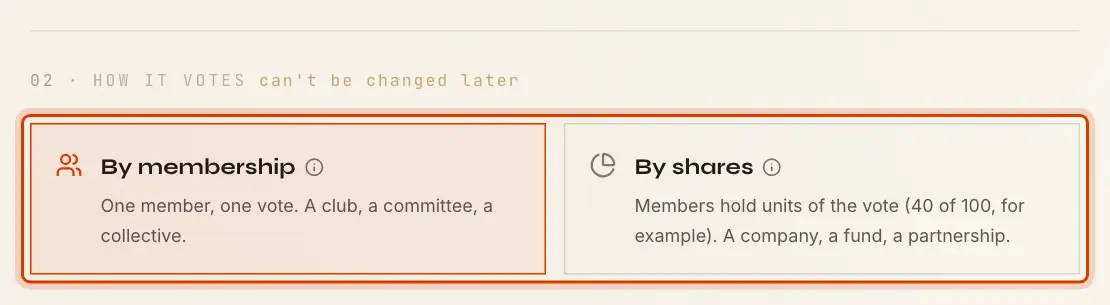
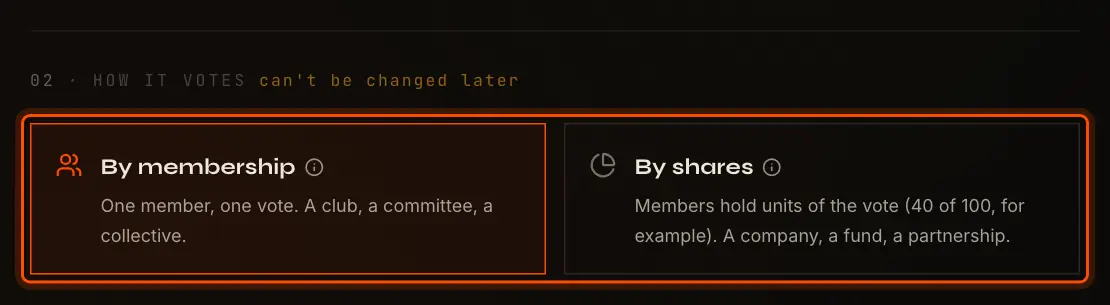
- By membership: every member holds one unit, so one member has one vote.
- By shares: each member holds a whole number of units, and their voting power is their units over the total. If Alice holds 40 units, Bob 35 and Carol 25, the whole vote is 100 units and Alice has 40%.
Units change only by a Shares proposal. Topping up a balance never changes them.
03 Who Can See It
- Private: only its members see it exists.
- Public: listed on Public DAOs. Anyone signed in can read its proposals, outcomes, members and comments, and top up its balance. Only members act, and only members see the ballots.
A Visibility proposal changes this later. In a public DAO, say in the description how to join. See Public and Private DAOs.
04 Who Pays
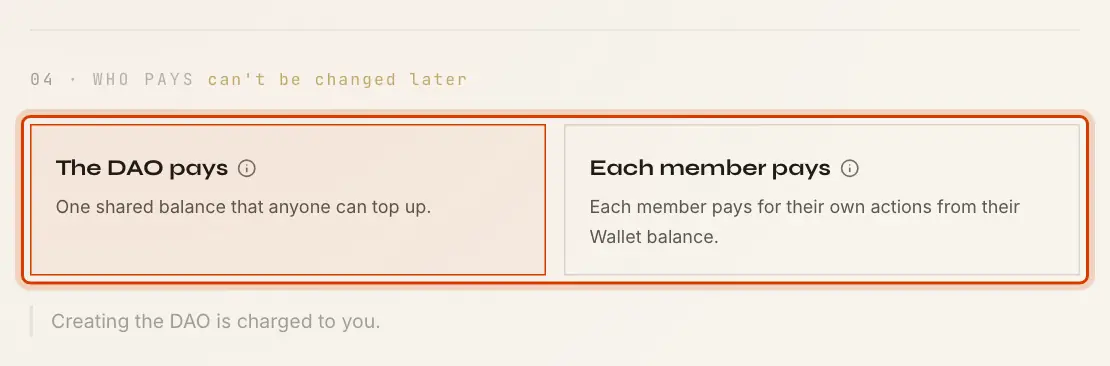
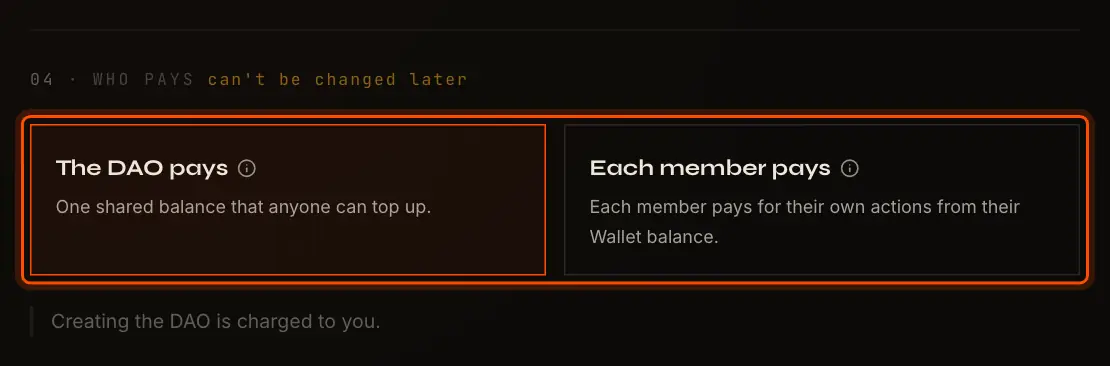
- The DAO pays: one shared balance pays for everything done in the DAO, and anyone can top it up. When it is empty, nobody can act in the DAO until someone does.
- Each member pays: each member pays for their own actions from their Wallet balance, and the proposer also pays for counting and executing their proposal.
Either way, Where the network charges nothing, the summary says See Balances and Traffic.
05 Voting Rules
The voting rules apply to every change to the DAO: members and shares, name, description and picture, the rules themselves, visibility and dissolving. Decisions and choices use a rule their proposer sets.
Preset starts on Two thirds of the vote: open ballot, votes final once cast, settling early, open 14 days. Customize ballot and rule opens every setting. The line at the bottom says what the rule means for this DAO's members as the form stands.
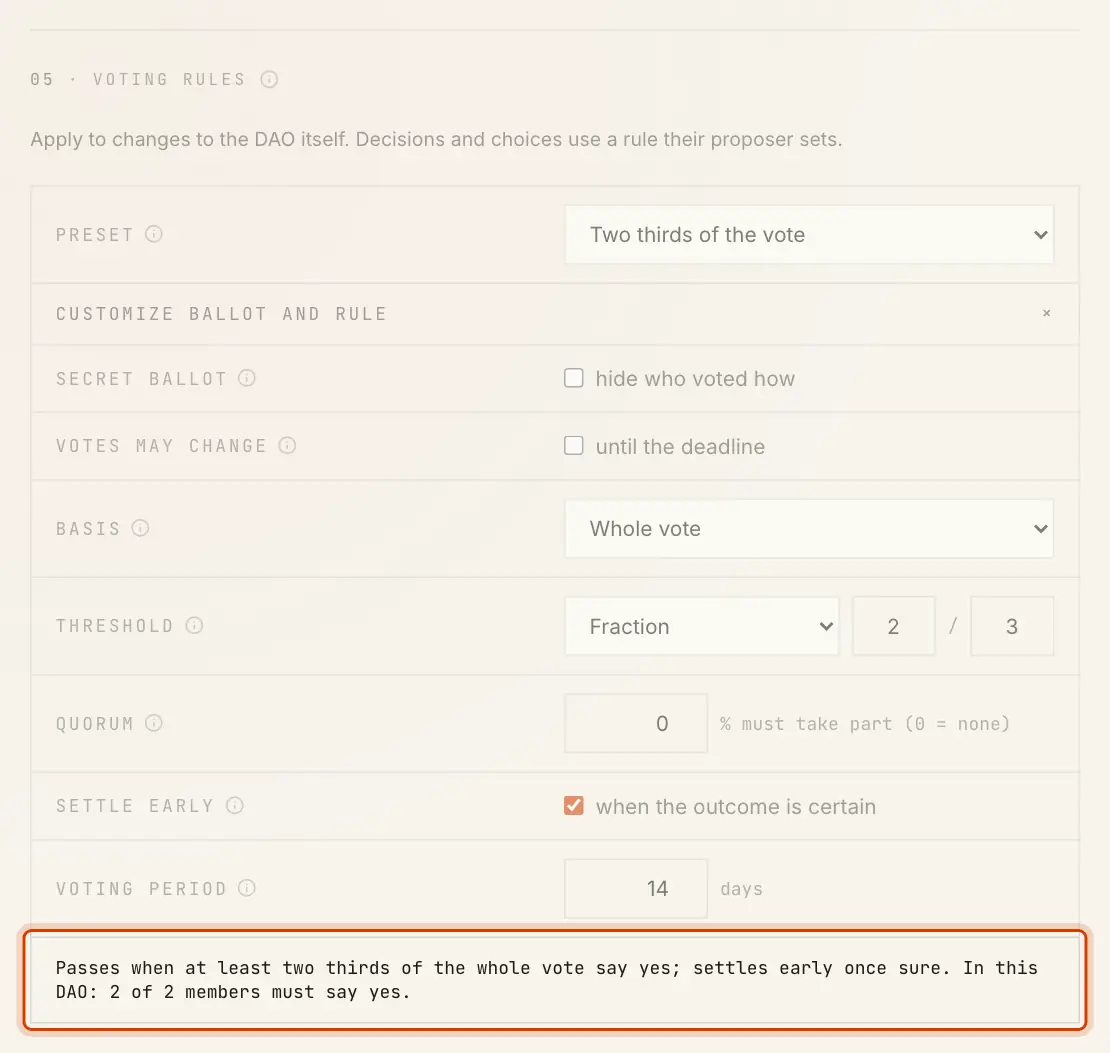
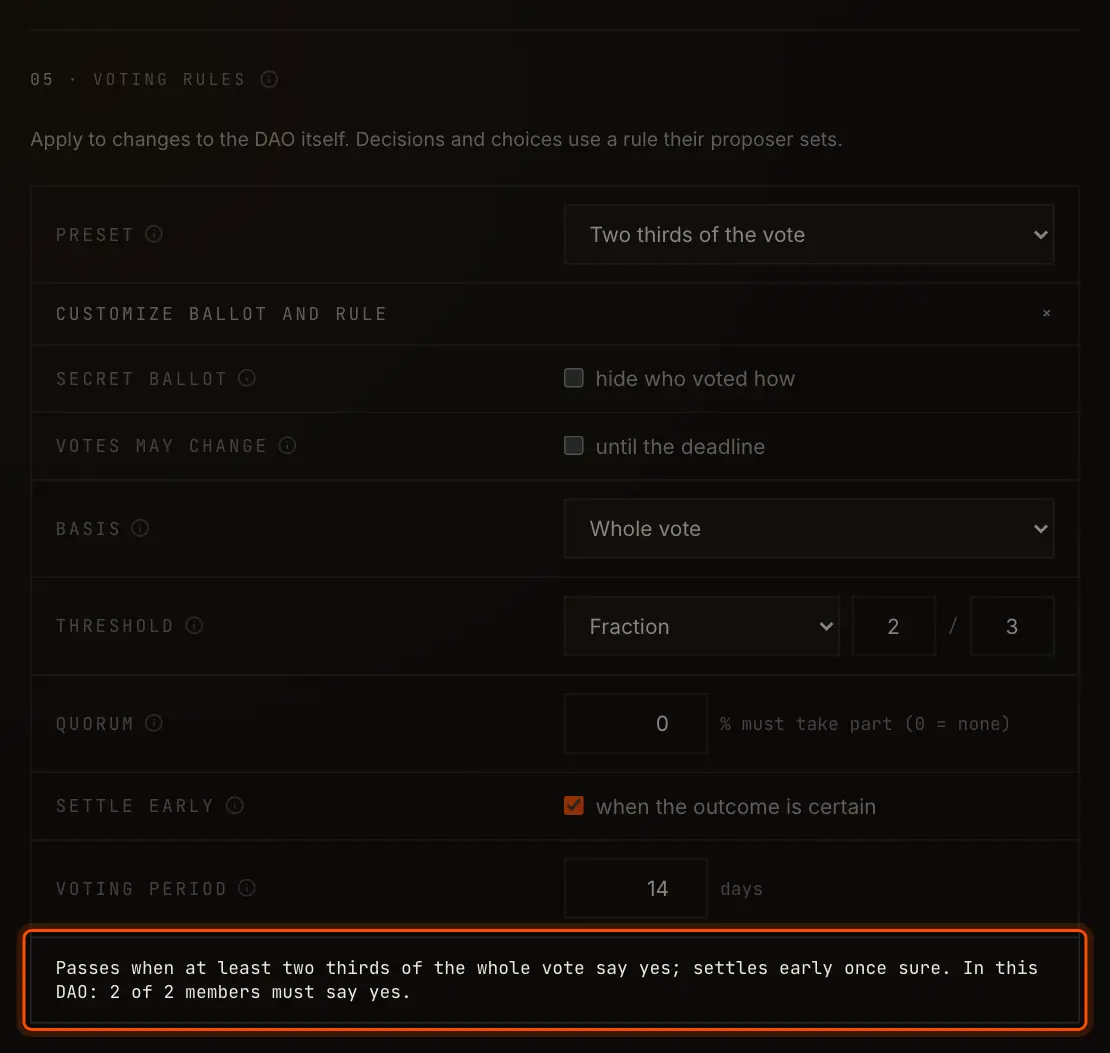
Each setting is explained in Voting Rules. Later, members change the rules with a Voting rules proposal, which passes under the rules in force.
06 Members
The last section is Members in a DAO by membership and Shares in a DAO by shares. You are already in the list and cannot take yourself out. To add others:
- type or paste party IDs into Add party IDs;
- or select Paste list, paste one party ID per line (by shares: the party ID, then its units) and select Add.
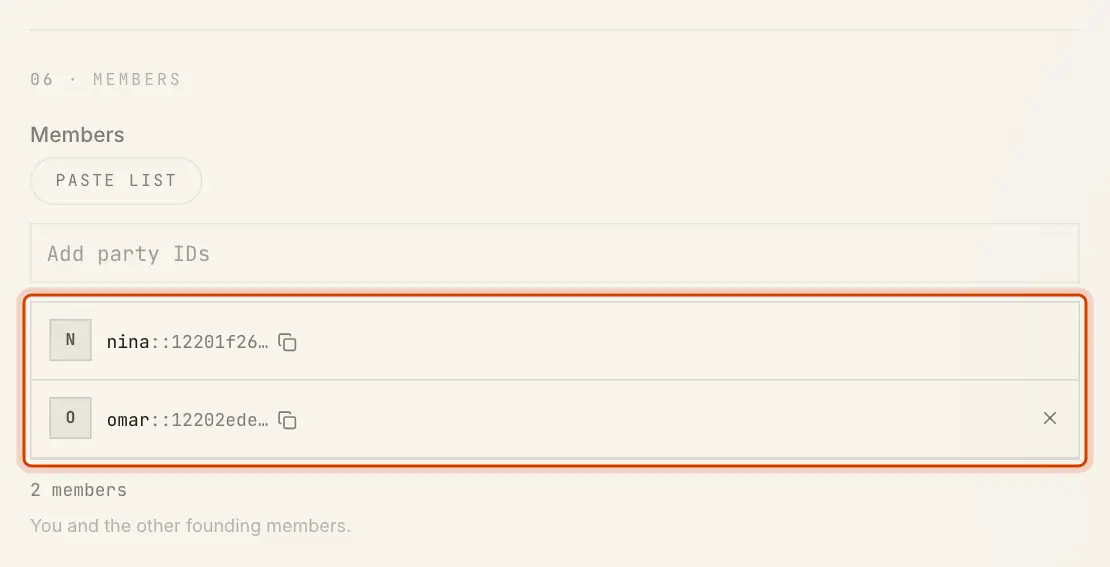
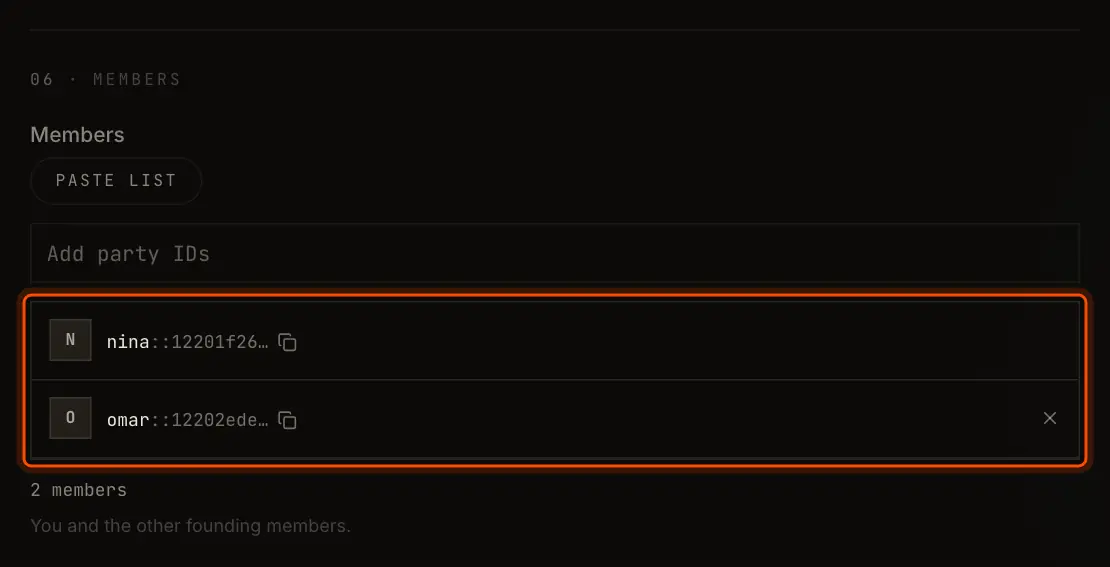
Every founding member needs a party on this network already. The app checks each ID; one that is not registered with SyncVotes here is marked and cannot be added. By shares, every member needs at least 1 unit, and Equal units gives everyone the same number.
A DAO can start with up to 2,000 members. The first 200 join the moment you sign. The rest are added in batches of 200 right after, while the DAO page shows . Those batches are paid by the DAO's balance, or by you where each member pays.
Create
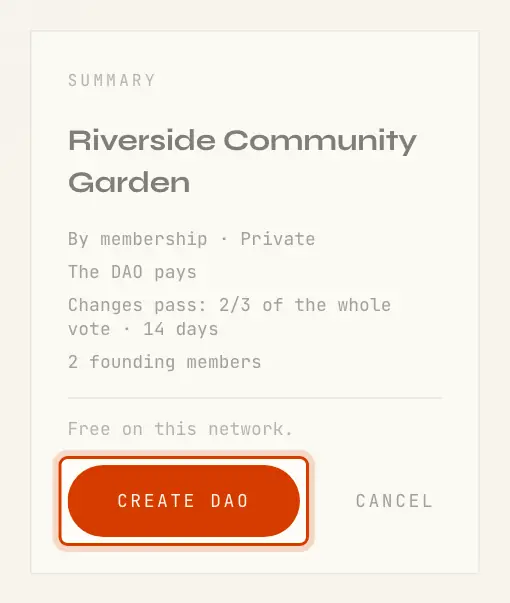
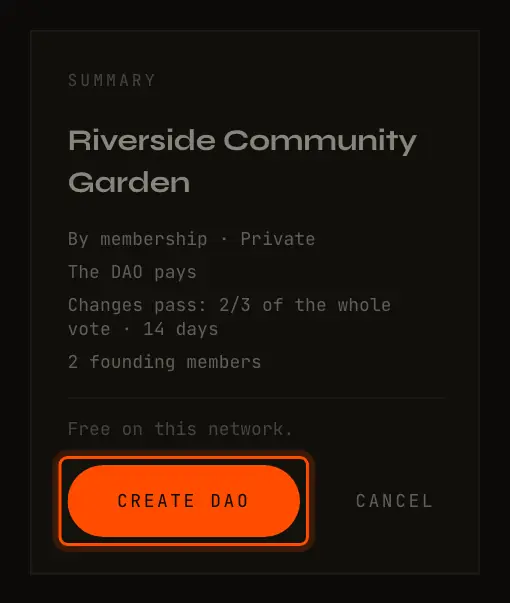
Select Create DAO. Your key signs one transaction and the DAO page opens, tagged with its visibility, how it votes, and Creator for you.


What Changes Later, and How
| Setting | Later |
|---|---|
| How it votes | Fixed |
| Who pays | Fixed |
| The DAO ID and its creator | Fixed |
| Members and units | A Members or Shares proposal |
| Name, description and picture | A Name and description proposal |
| Voting rules | A Voting rules proposal |
| Public or private | A Visibility proposal |
| Whether it exists | A Dissolve proposal |