// Step by step
Vote and See the Result
Cast your ballot, follow the tally and see what the DAO decided.
On an open proposal you can vote on, the Your vote box sits at the top of the page, beside the text on a wide screen. It shows your voting power before you vote, and your ballot is signed with your key.
Find What to Vote On
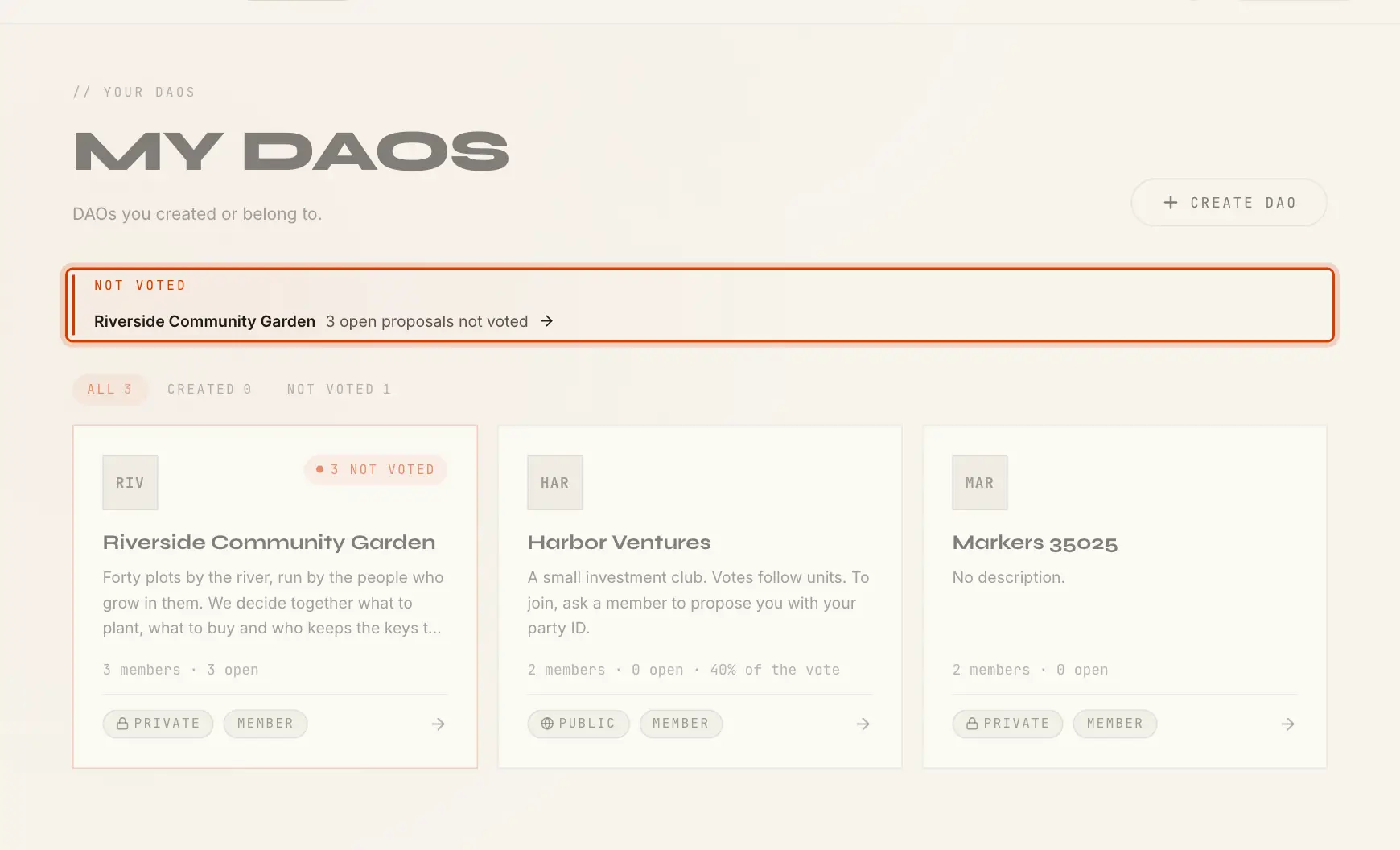
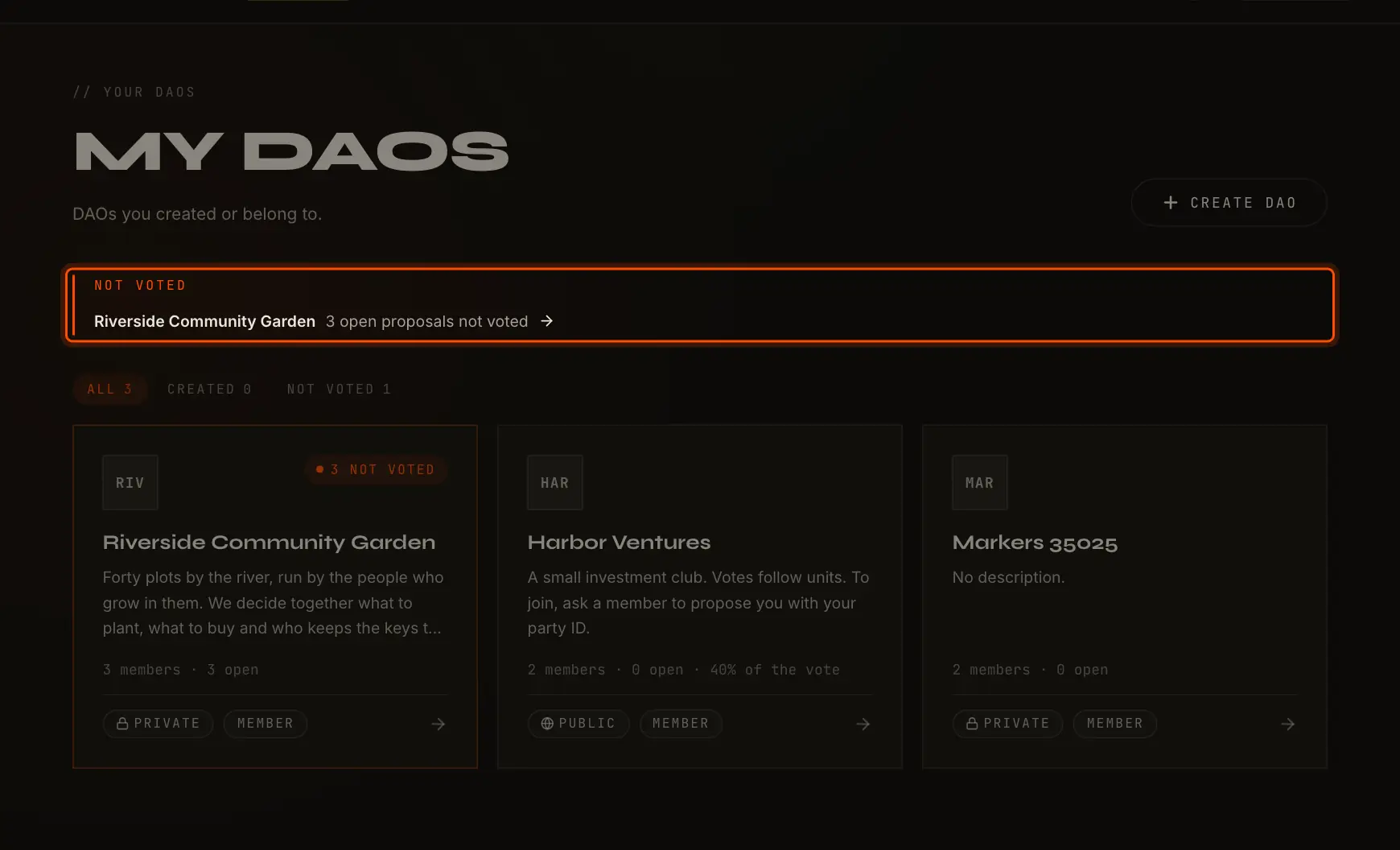
My DAOs starts with Not voted: each DAO with open proposals you can vote on and have not. Those DAOs' cards carry a 3 not voted chip (with their count), and the Not voted tab shows only them.
On a DAO page, a strip says how many open proposals are not voted; its Vote button, like the Not voted tab, lists only those. Each of them carries a Vote chip instead of its status.
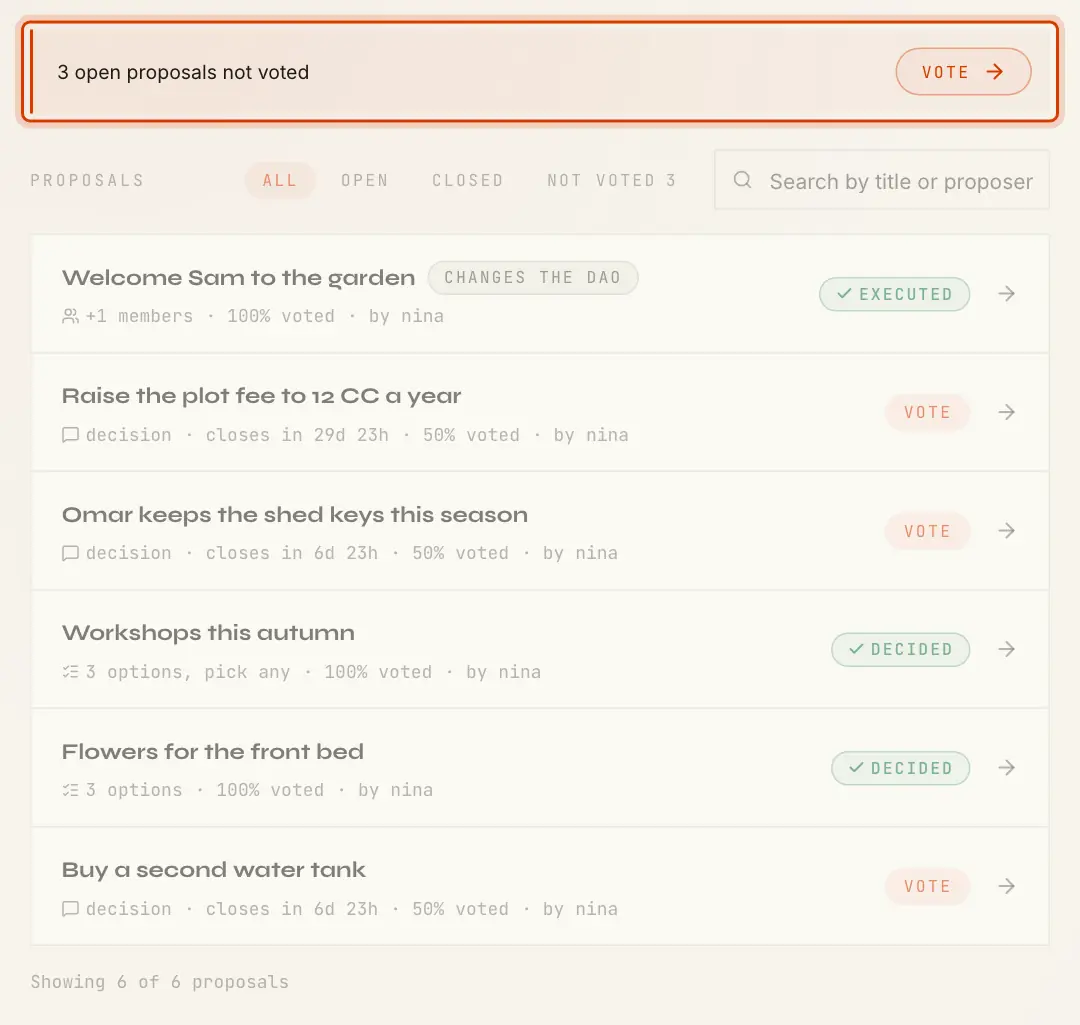
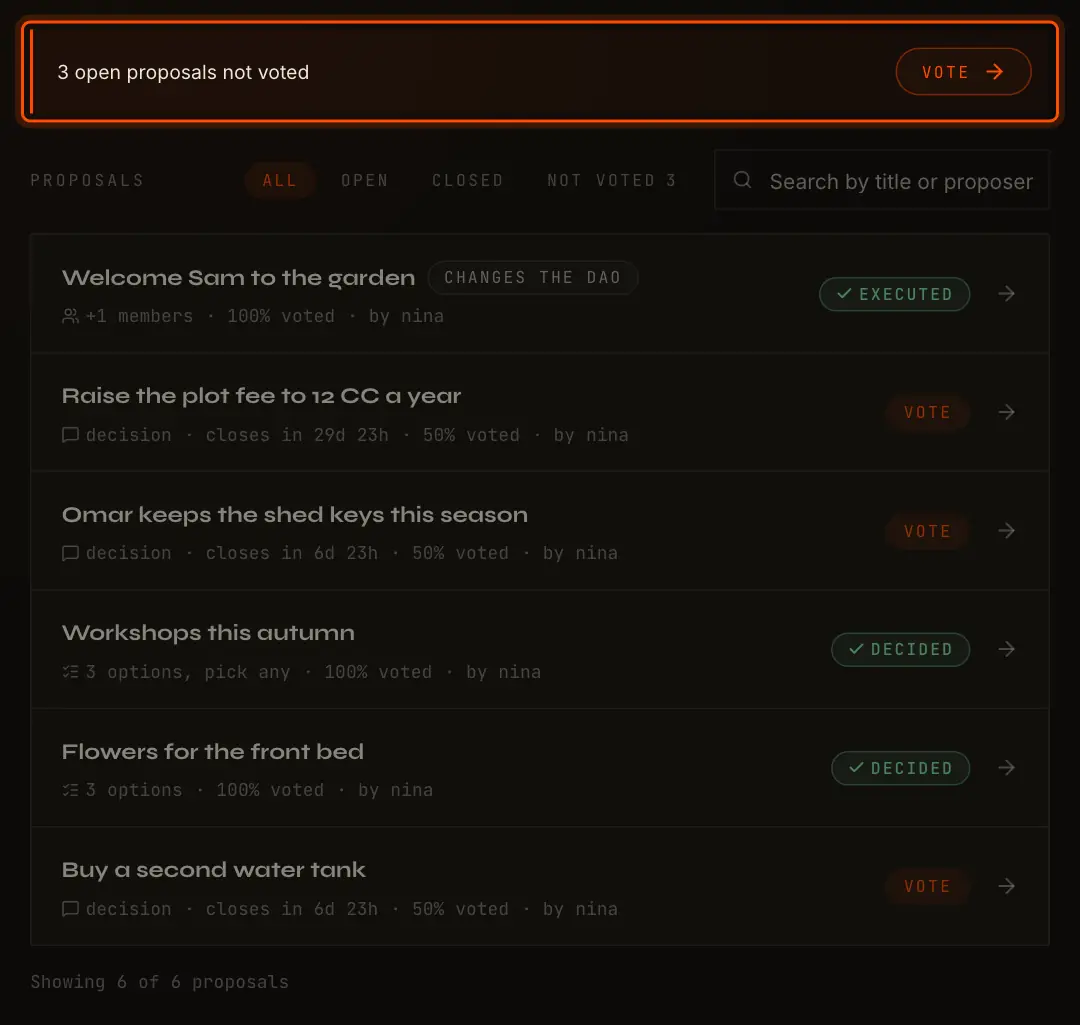
These count only open proposals before their deadline that you are entitled to vote on. A proposal made before you joined, or before your units last changed, is not one of them.
Cast Your Vote
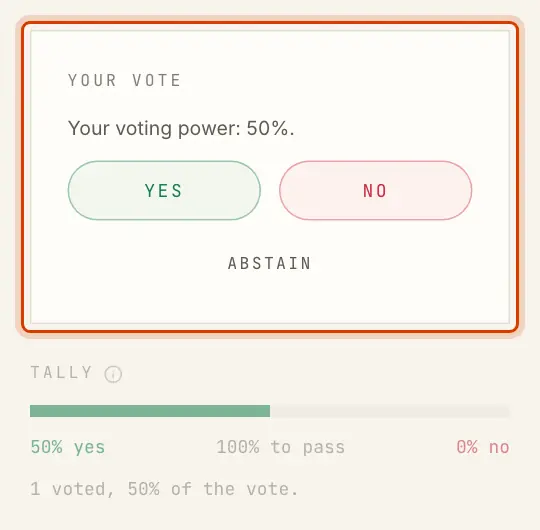
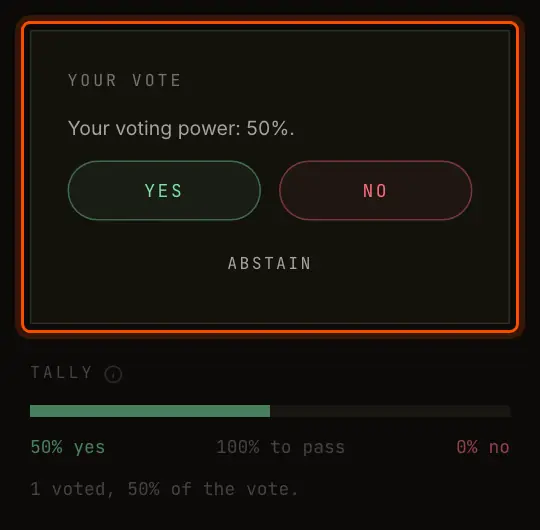
| Proposal | How you vote |
|---|---|
| Decision, or a change to the DAO | Yes or No |
| Choice, one pick | The option you want |
| Choice, several picks | Tick the options, then Vote for 2 options (with your count) |
| Any | Abstain, to take part without taking a side |
An abstention counts toward the quorum but not for or against. On a phone, once the box scrolls out of view, Yes, No and Abstain follow along the bottom of the screen. When your ballot lands, the box says what you voted and with what share, for example
You cannot start a vote in the last 90 seconds before the deadline, so that a ballot is signed and on the ledger in time. The box then says If you joined, or your units changed, after the proposal was made, it says or
Change Your Vote
Where the rule says votes may change, the box offers Change vote until the deadline. Vote again and the new ballot replaces the old one. Such a proposal is counted only after the deadline, so it never settles early.


Everywhere else your first ballot is final, and the box shows only what you voted.
Secret Ballots
On a secret ballot, every member sees the totals and only their own vote. The ballot list starts with The app itself still sees every ballot, because it counts them. See Secret Ballots.


Read the Tally
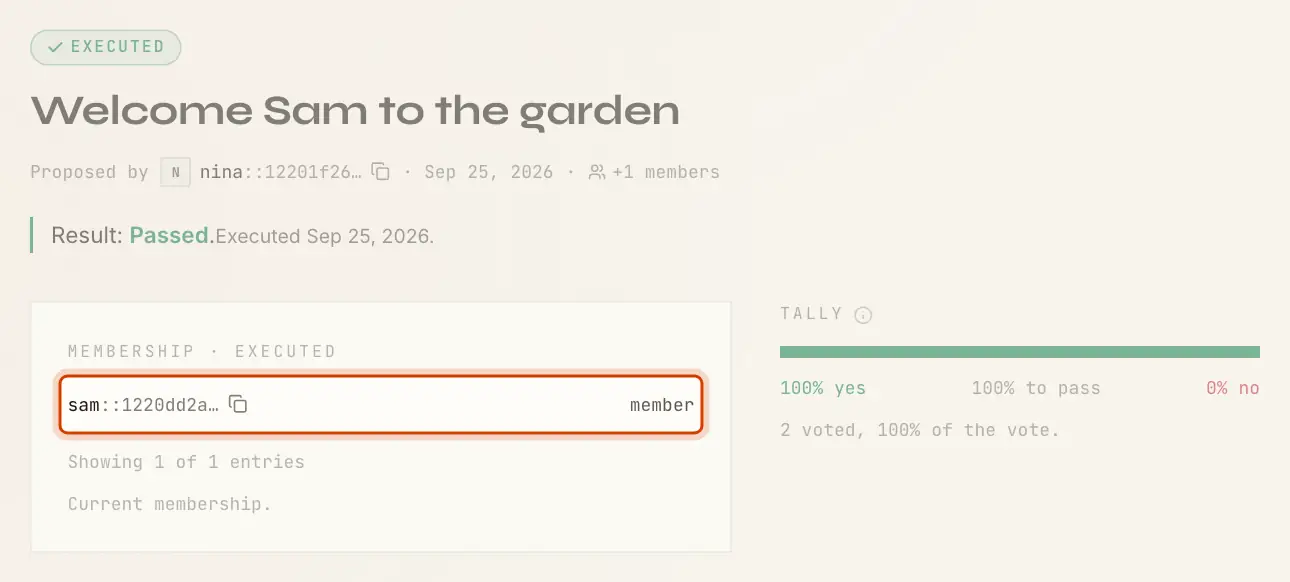
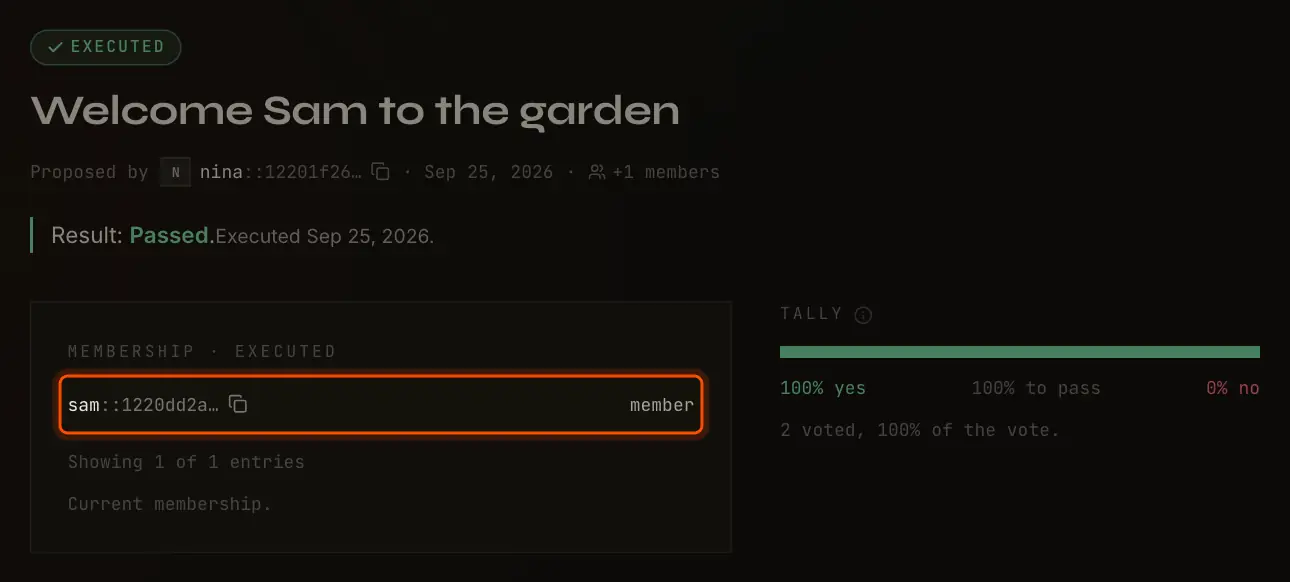
The Tally shows yes, no and abstentions as shares of the whole vote: all the units that existed when the proposal was made. The middle figure is what yes must reach.
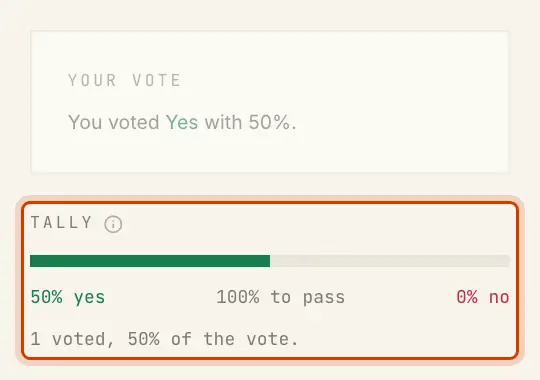
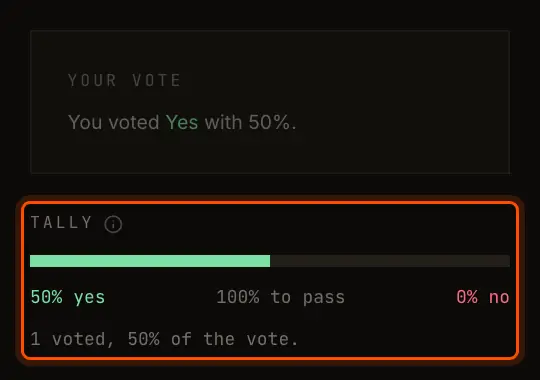
More than half of 2 members is both of them, so the middle figure reads 100% to pass.
In a DAO of 5 members the same rule needs 3, and the figure reads 60% to pass. The
line under the bar gives how many voted and what share of the vote took part, adds (not yet counted) while the figures are ballots the ledger has not counted, and says so
when a quorum is not met.
A choice shows one bar per option. With one pick, the leading option needs what a yes would, and a tie at the top decides nothing. With several picks, every option that reaches the rule is chosen. See Voting and Counting.
The Result
| Badge | Means |
|---|---|
| Open | Voting is open. |
| Counting | The deadline has passed; the page says |
| Passed | A decision passed, or a change passed and is not executed yet. |
| Executed | A change to the DAO passed and is in effect. |
| Decided | A choice picked one or more options. |
| Failed | It missed its rule or its quorum, or a choice ended in a tie. |
Under the title, the result is said once: , or the options a choice picked.
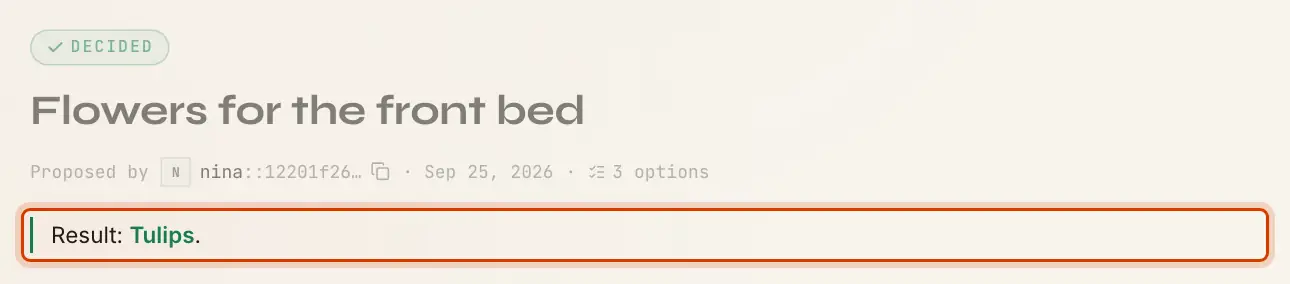
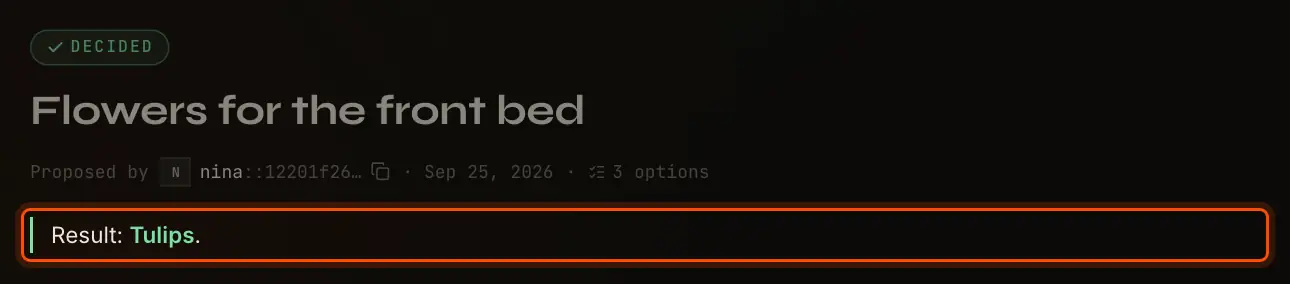
Where the rule settles early, a proposal is decided the moment the outcome can no longer change; otherwise at the deadline. The final count runs about 3 minutes after the deadline, so that ballots signed at the last moment still arrive.
A change to the DAO shows until the app has executed it, then the date it was executed. A card spells out what the change did; a large membership change shows how many entries are done so far. If execution keeps failing, the page says with the reason.
Ballots and Comments
Members see Ballots: who voted, their share, when, and how, searchable by name or party ID. not counted yet (or may change) marks a ballot the ledger has not counted yet. Readers of a public DAO see instead.
Under the ballots, members can comment in Markdown. A comment is a signed transaction, paid like any other in the DAO, and stays as written: nobody can edit or delete it. Once voting has ended, Write a comment opens the editor.