// Concepts
Profiles
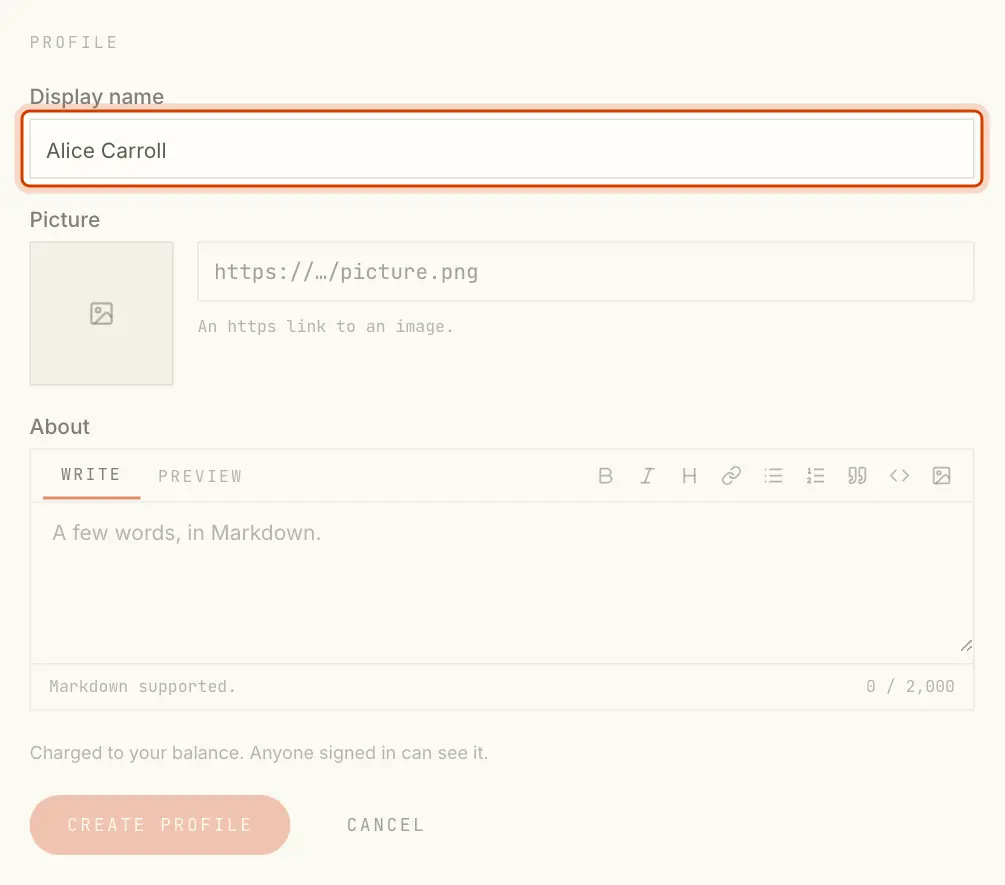
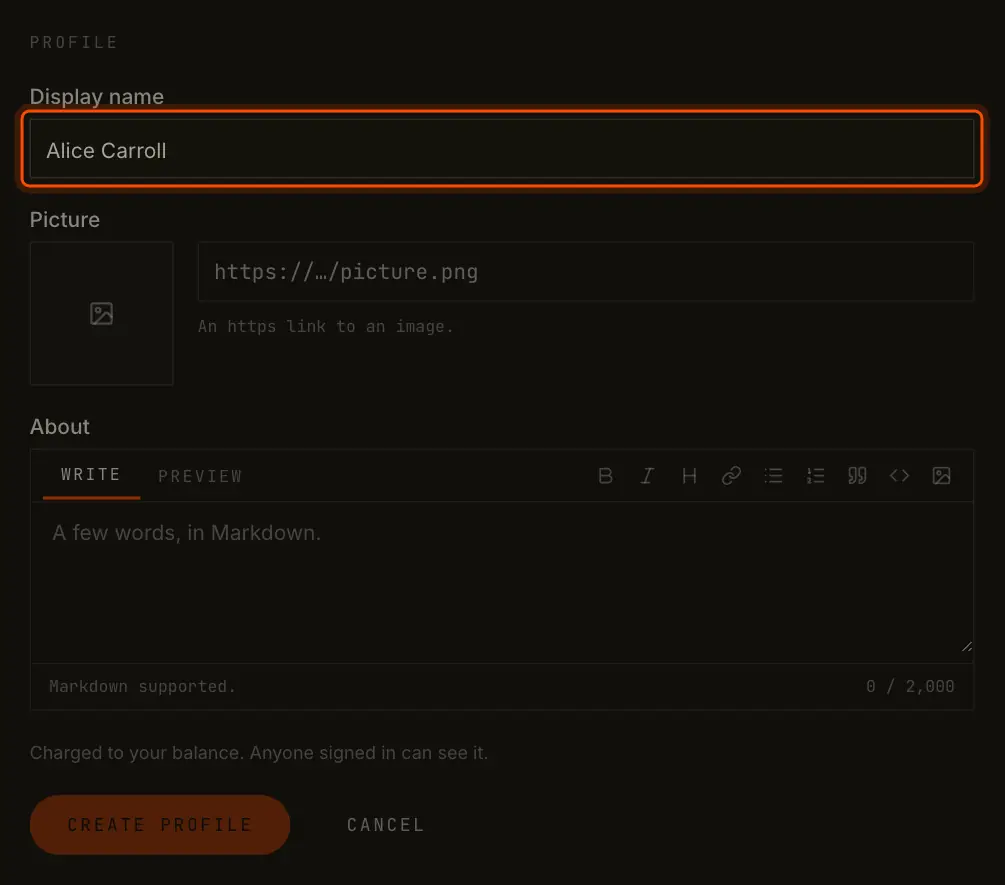
A display name, a picture and a few words shown next to your party ID.
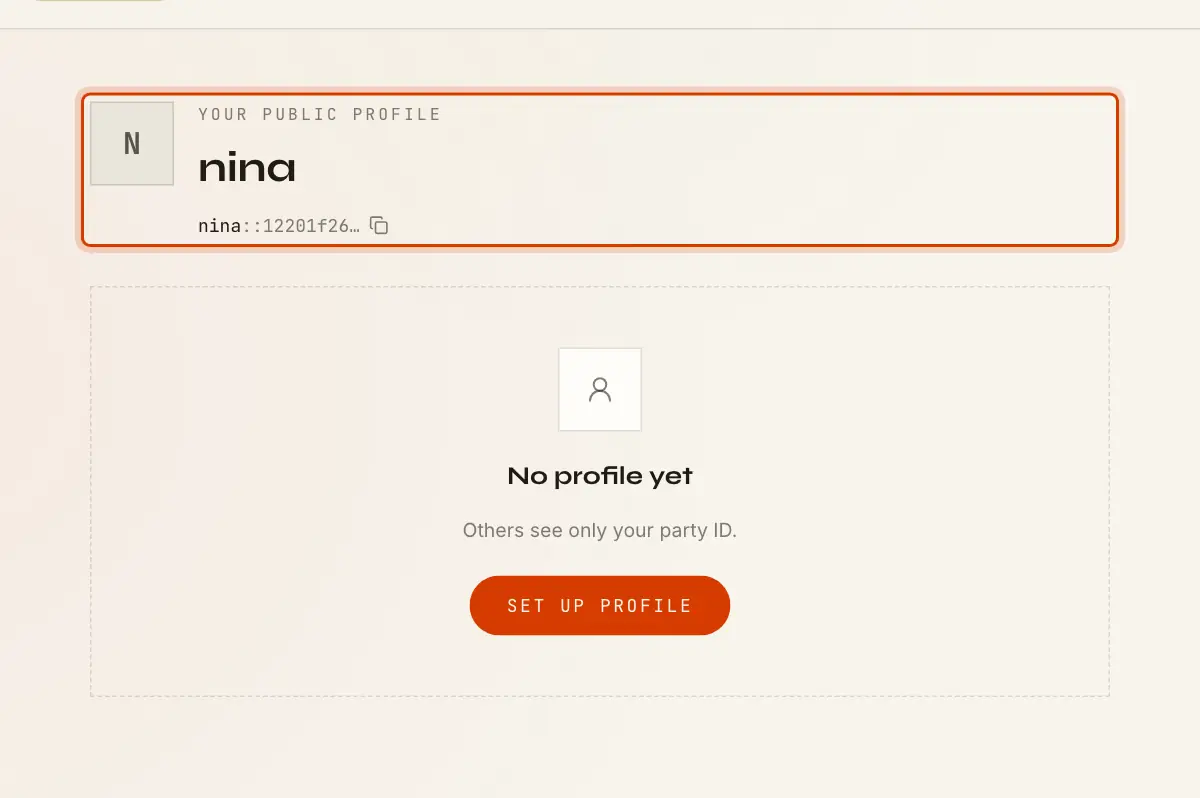
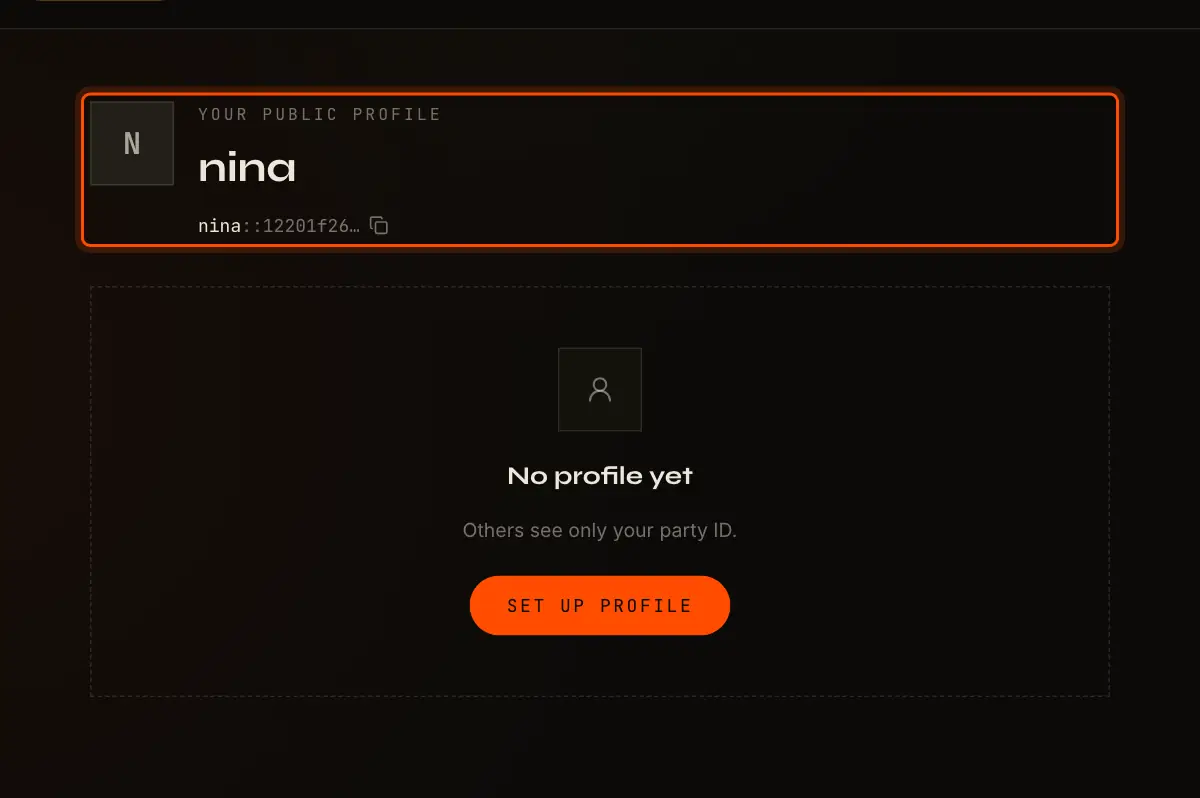
A profile gives your party a face: a display name, a picture and a few words. It is optional. Without one, others see your party ID, and your party hint stands in for a name.
What It Holds
| Field | Limits |
|---|---|
| Display name | Required, up to 60 characters |
| Picture | Optional, an https link to an image |
| About | Optional, Markdown, up to 2,000 characters |
The display name is only a label. Your party ID does not change, and two parties can use the same display name. Check the party ID when it matters who someone is.
Set It Up
- On the Wallet page, select Set up profile (or Edit profile).
- Fill in the fields.
- Select Create profile (or Save profile). Your key signs, and the profile is on the ledger.
Saving replaces the whole profile with the new one. You can change it at any time, but you cannot remove it, only replace it.
Who Sees It
Anyone signed in to SyncVotes on this network who knows your party ID can see your profile. It
shows next to your party ID wherever your party appears: members lists, ballots, comments and
proposals. Select View public profile on the Wallet page to see it as others do. Each profile
has its own page, /people/<party ID>.
Who Pays
Creating or changing your profile is charged to your own balance, not to any DAO. Where traffic is free, it costs nothing. See Balances and Traffic.