// Concepts
Public and Private DAOs
Who can read a DAO, who can act in it, and how to tell the real one.
A DAO is Private unless it chooses to be Public. The choice decides who can read it through SyncVotes. Either way, only members act.
Who Can Do What
| Private DAO | Public DAO | |
|---|---|---|
| Listed on Public DAOs | No | Yes |
| Read its proposals, outcomes, members and comments | Members | Anyone signed in |
| See the ballots | Members | Members |
| Propose, vote and comment | Members | Members |
| See the balance and how to top it up | Members | Anyone signed in |
Public DAOs
Public DAOs in the header lists every public DAO on this network, Biggest or Newest first. Search by name, description or DAO ID.
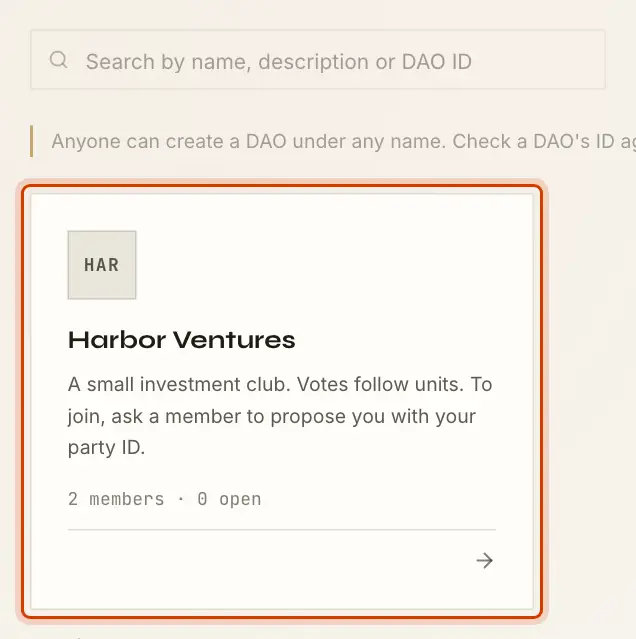
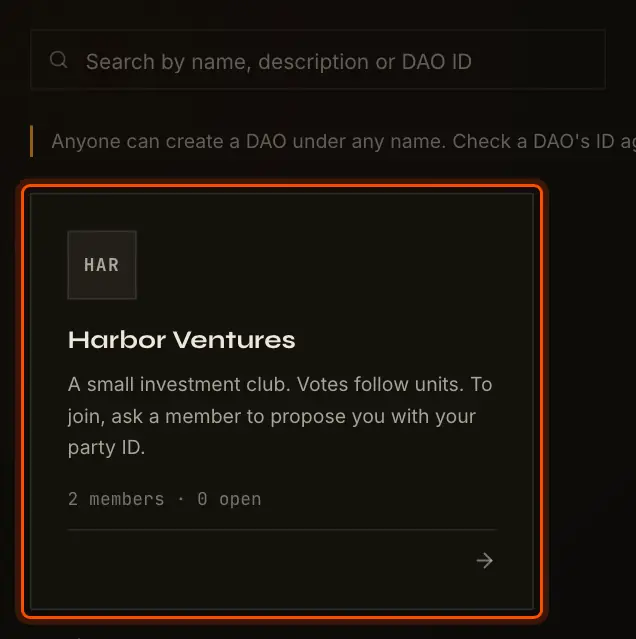
Opening a public DAO you are not in shows it with a Reader tag and the line Its proposal pages show the totals and


Opening a private DAO you are not in shows Members only and your party ID, to send to a member.
Joining a DAO
There is no join button: members decide who joins, by vote. To join a DAO, public or private:
- Create your party on the same network as the DAO.
- Copy your party ID from the Wallet page and send it to a member.
- A member proposes a Members (or Shares) change that adds you. On the DAO's members page, Propose a change opens that form. It has to pass under the DAO's voting rules.
Once it is executed, the DAO appears in your My DAOs.
Leaving a DAO
There is no leave button either. A member leaves when a Members or Shares proposal that removes them passes. You can propose your own removal like any other change.
Changing Visibility
A DAO is made public or private when it is created, and later by a Visibility proposal under its voting rules. Once executed, the DAO appears on or leaves Public DAOs.
How to Tell the Real DAO
Anyone can create a DAO under any name and picture, as the Public DAOs page reminds you. A name proves nothing about who runs a DAO. To check you have an organization's real DAO:
- Find its DAO ID on the organization's own site or channel.
- Compare it with the DAO ID at the bottom of a public DAO's page, or with the end of the page's
address,
/app/daos/<DAO ID>. Pasting the ID into the Public DAOs search finds the DAO too.
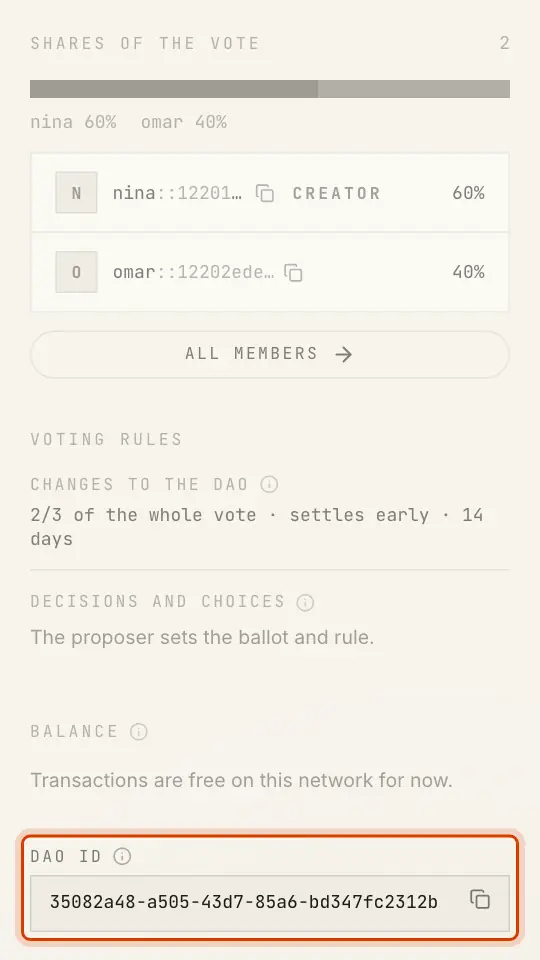
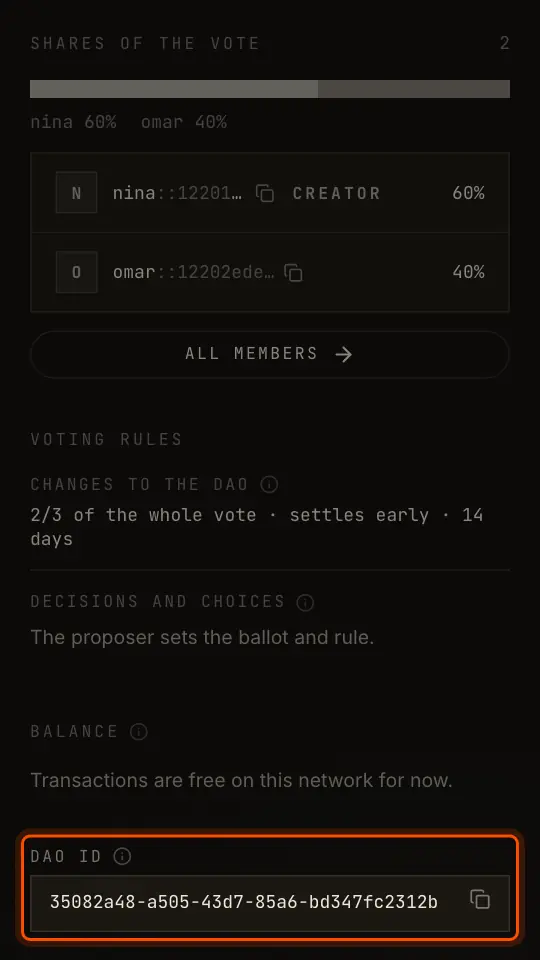
An organization that runs a public DAO should publish its DAO ID where its members already trust it.
What the Rest of Canton Sees
"Public" is about SyncVotes, not the Canton Network. A public DAO is readable because the app shows it to anyone signed in. On the ledger nothing changes:
- every DAO's contracts, public or private, are stored by the app's validator, which hosts every party involved;
- other validators never receive them, and the synchronizer that orders the transactions sees only encrypted data.
For Organizations
- Choose By shares when votes should follow ownership, and set the units to match your records. Units change only by vote.
- Choose The DAO pays to keep costs in one balance that anyone, a treasury wallet included, can top up.
- Publish the DAO ID where your members can check it.
- Read the Trust Model first: it lists what the app's operator can do, and which voting rules limit it.