// Step by step
Create a Proposal
Put a decision, a choice or a change to the DAO to its members.
Any member can put a proposal to the DAO: on the DAO page, select New proposal. The form has up to four numbered sections, and a bar along the bottom says what the proposal does if it passes and who votes on it.
01 Type
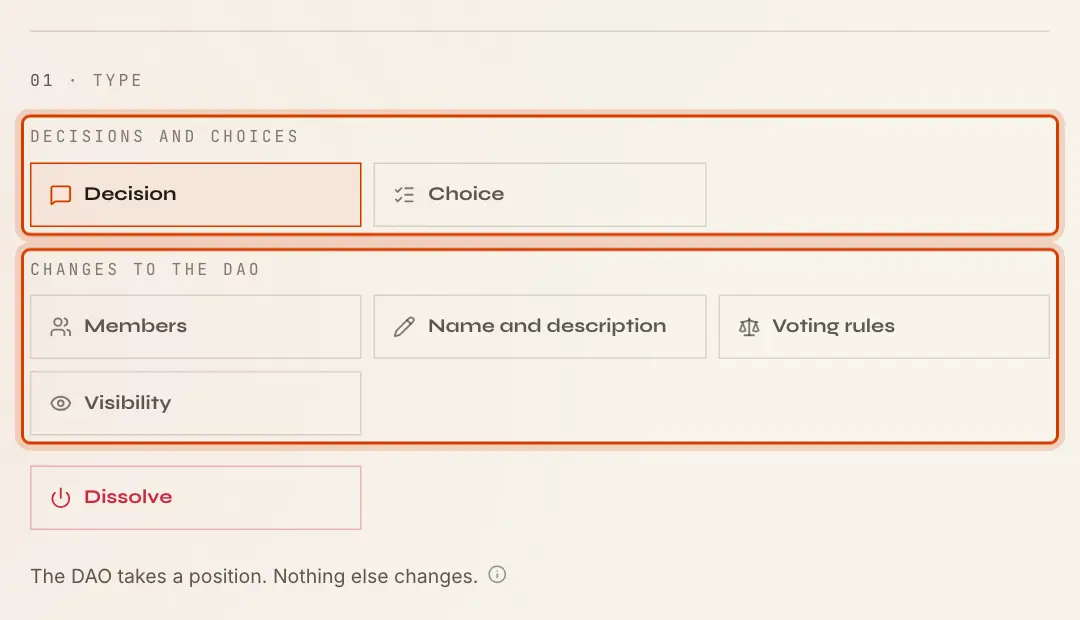
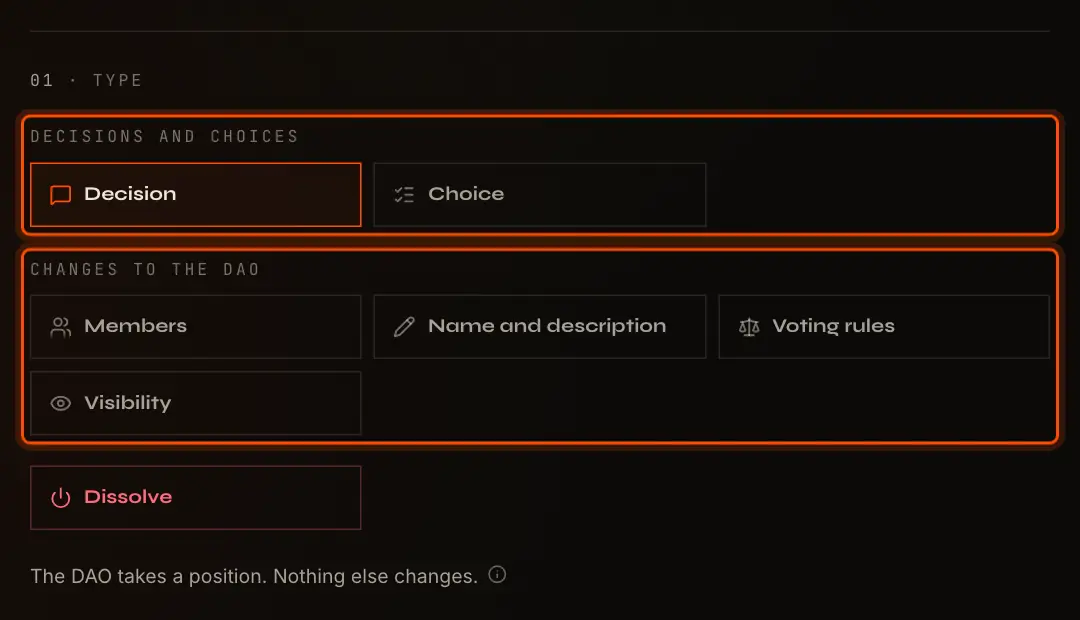
| Group | Types | Runs under |
|---|---|---|
| Decisions and choices | Decision, Choice | A rule you set for this proposal |
| Changes to the DAO | Members (or Shares), Name and description, Voting rules, Visibility, and Dissolve | The DAO's voting rules |
A decision or a choice records what the DAO decided and changes nothing else, so you choose how it passes. A change to the DAO always runs under the DAO's voting rules; nobody proposing one can pick easier ones. The line under the types says what the selected one does. In the DAO's proposal list, changes carry a changes the DAO tag. Every type is described in Proposal Types.
02 Details
- Title: 2 to 120 characters. For most types other than a decision, the app suggests one,
such as
Change the members, and uses it if you leave the field empty. - Description: what and why, in Markdown, up to 20,000 characters, with pictures by link. Optional.
03 If It Passes
This section appears for the types that need more input:
- Choice: Options, 2 to 10, each up to 80 characters and all different. Add option adds one.
- Members or Shares: today's table to edit. Add, remove, or change units; only what differs is put to the vote.
- Name and description: the current name, description and picture to edit.
- Voting rules: Ballot and How it passes for changes from then on.
A Decision, a Visibility proposal and a Dissolve proposal need nothing more.
Voting
For Decisions and Choices
The section says The rule starts from Majority of the vote, open 7 days. Customize ballot and rule opens:
- Secret ballot: members see the totals and only their own vote;
- Votes may change: members can vote again until the deadline;
- Several options (Choice only): a member may pick more than one option;
- Basis, Threshold, Quorum, Settle early and Voting period (1 to 90 days).
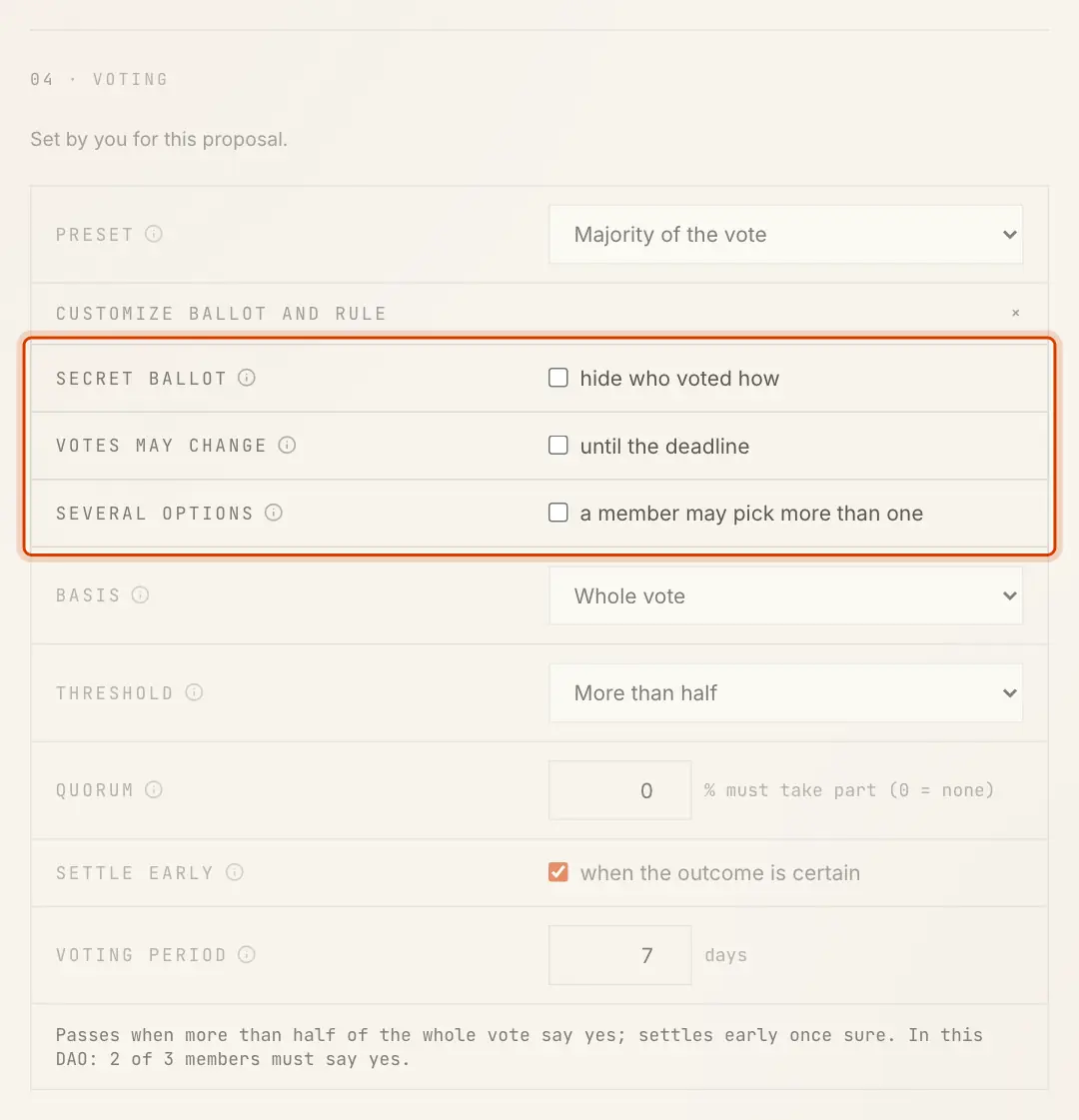
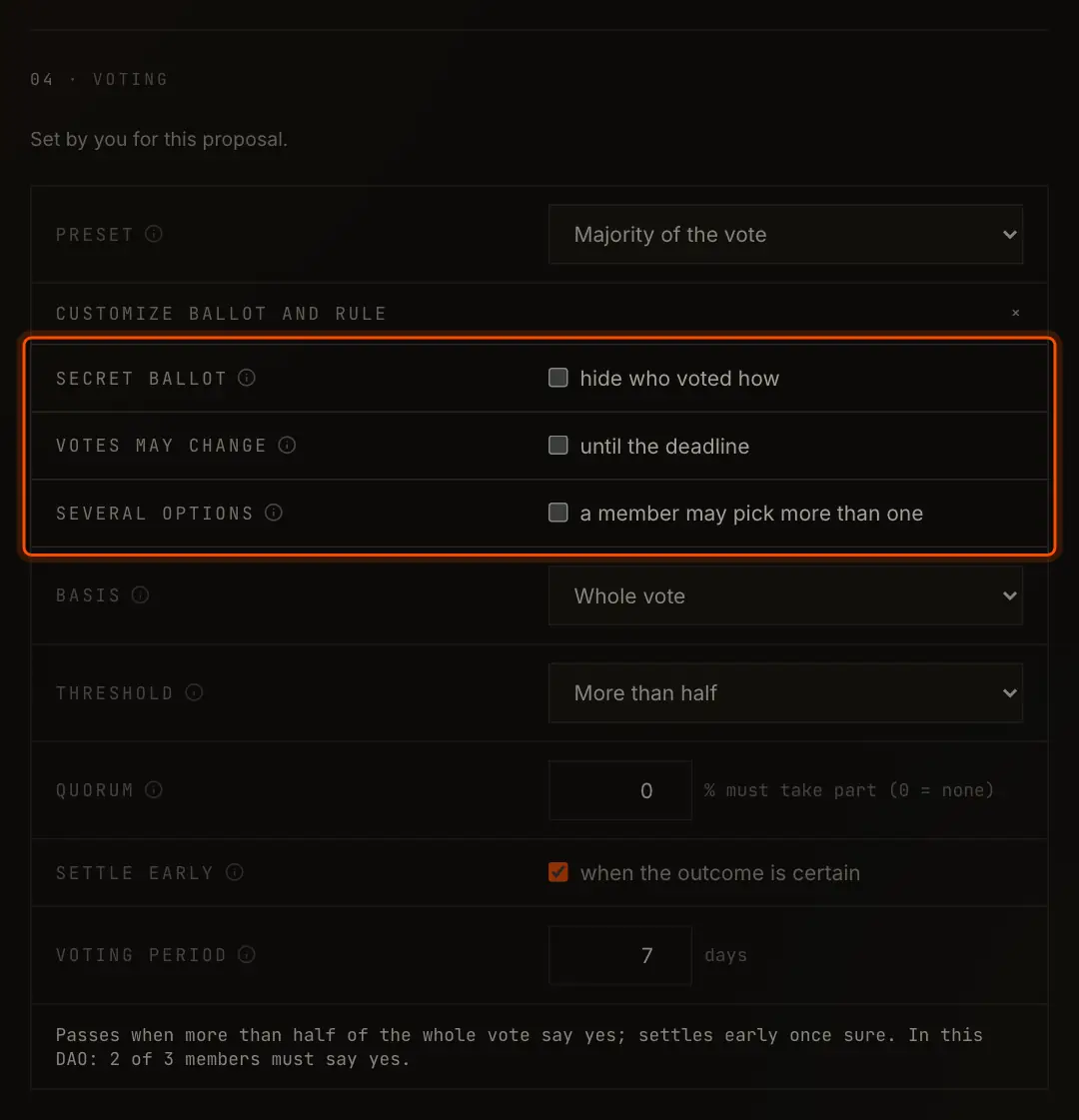
See Voting Rules for what each setting does.
For Changes to the DAO
The section shows the DAO's voting rules, which you cannot change here:
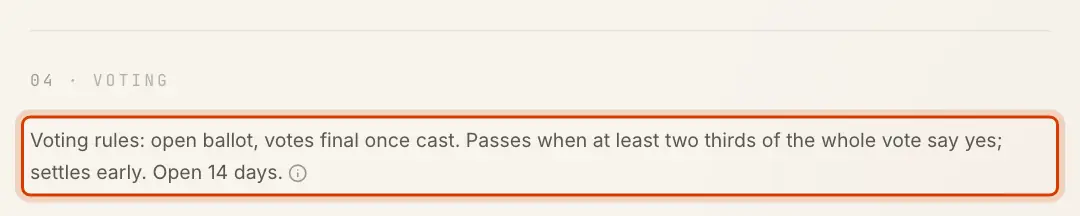
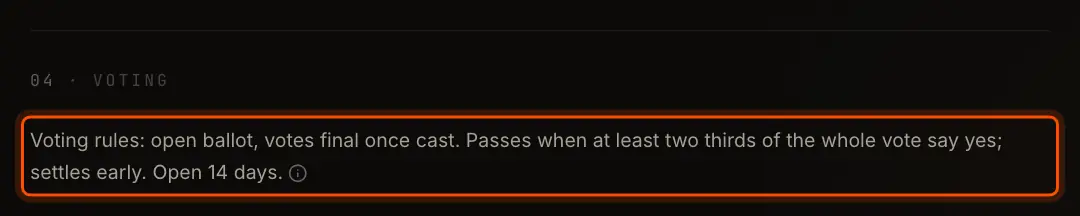
Members change them with a Voting rules proposal.
Create


The bar says what happens If it passes and who votes, for example Select Create proposal. Your key signs, the proposal page opens, and the vote is open.
Nobody can edit, withdraw or cancel a proposal once it is made. It runs until it is decided.
Creating a proposal is paid by the DAO's balance, or by you where each member pays. Where the DAO pays and its balance is empty, New proposal is not shown until someone tops it up. A party can make up to 30 proposals and comments an hour; beyond that the app says