// Concepts
Recovery Phrase and Devices
How your key is kept on a device, locked and brought back from its phrase.
Your recovery phrase is your key. A device only keeps an encrypted copy of it, for convenience. This page covers how that copy is kept, locked and removed, and what the phrase does on another device or network.
The Phrase
The phrase is 12 words from the standard BIP-39 English word list. The app turns it into your key the same way every time, so the phrase alone brings back the same key, and with it the same party, on any device.
- Write it down on paper, in order, and keep it offline.
- Keep it out of chats, notes apps and photos that sync to the cloud.
- Anyone with the phrase can sign as you. Nobody can recover it if you lose it.
A Key Kept on the Device, or Not
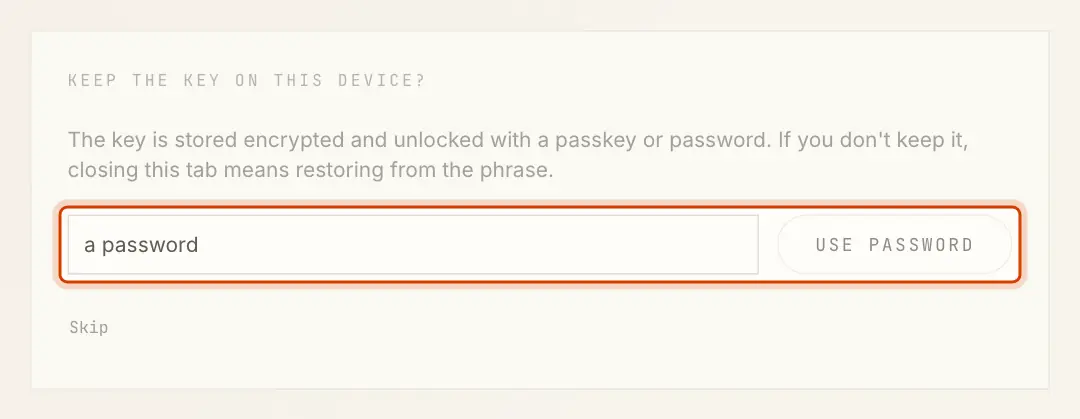
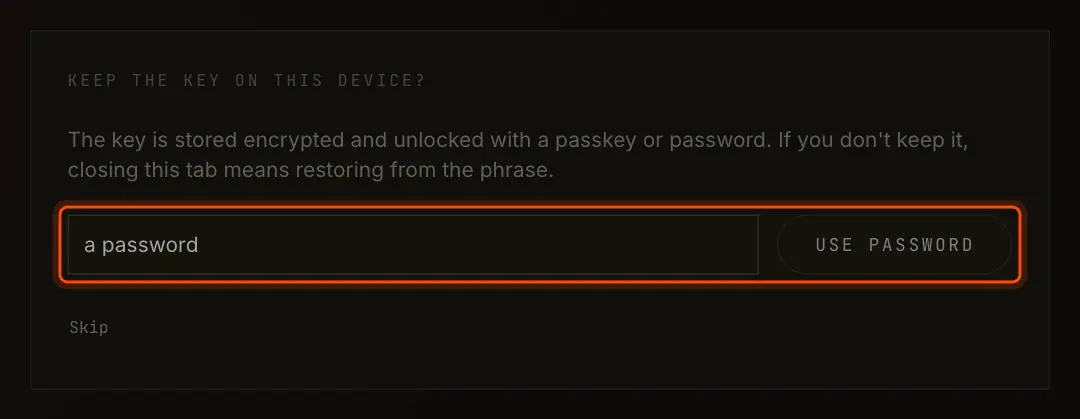
| Kept | Not kept (Skip) | |
|---|---|---|
| Where the key is | On this device, encrypted; in the page's memory while unlocked | In this tab's memory only |
| Next visit | Unlock with your passkey or password | Restore from the phrase |
| Closing or reloading the tab | Locks the key; it stays on the device | The key is gone; restore from the phrase |
Passkey or Password
- Use passkey: your device's passkey (fingerprint, face or device PIN) produces the secret that decrypts the key. It needs a browser and device that support passkeys with the PRF extension; elsewhere the button is not shown and the password is the only way.
- Use password: at least 8 characters. The key is encrypted with a key derived from it, so a wrong password fails with . It cannot be reset; restore from the phrase instead.
Either way the phrase stays the real backup. A passkey or password only opens the copy on the device where you set it.
Locking
The key leaves the page's memory, and you have to unlock again, when:
- you select Lock on the Wallet page;
- 15 minutes pass without a click, tap or key press on the page;
- you close or reload the tab, or leave the site.


Locking also ends your reading session. If the key locks while you are acting, the page says
Several Keys on One Device
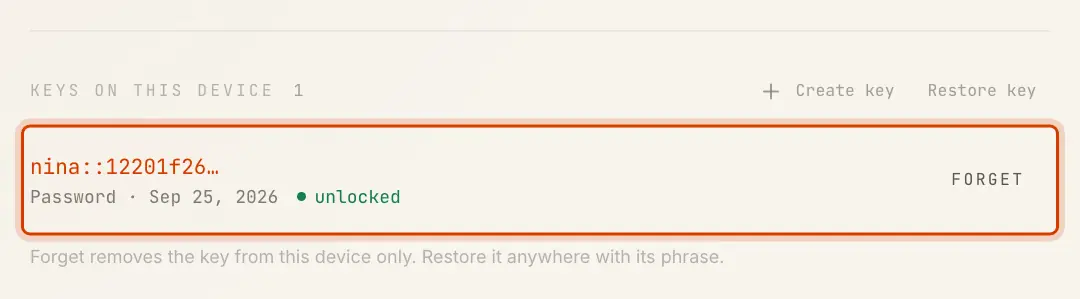
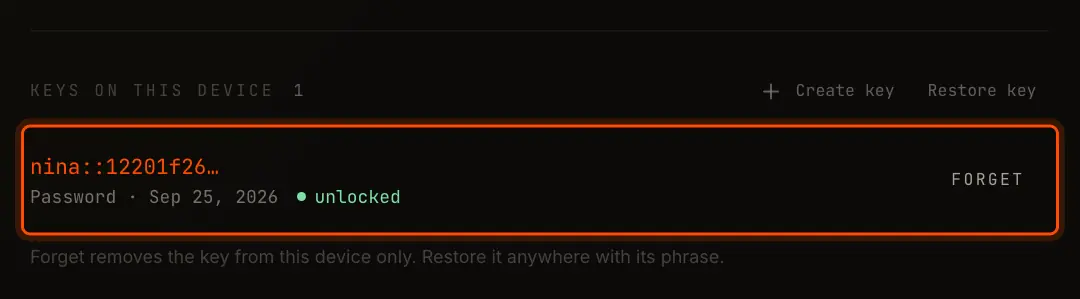
A device can keep several keys, each for its own party, listed under Keys on this device with how each is locked and when it was added. One key is unlocked at a time: Select another to switch, and the current one is locked first. Keeping the same party again replaces its earlier entry.
Forgetting a Key
Forget, then Yes, forget, removes the key's encrypted copy from this device. Nothing else changes: your party stays on the ledger with its DAOs, votes and balance, and the phrase restores the key on this or any other device.
Moving to a New Device
- On the new device, open the same SyncVotes site you used before.
- Select Restore key, enter the phrase and select Restore.
- The app says and asks how to keep the key.
Nothing else needs to move: your DAOs and balance are on the ledger, not on the device.
Keys and Networks
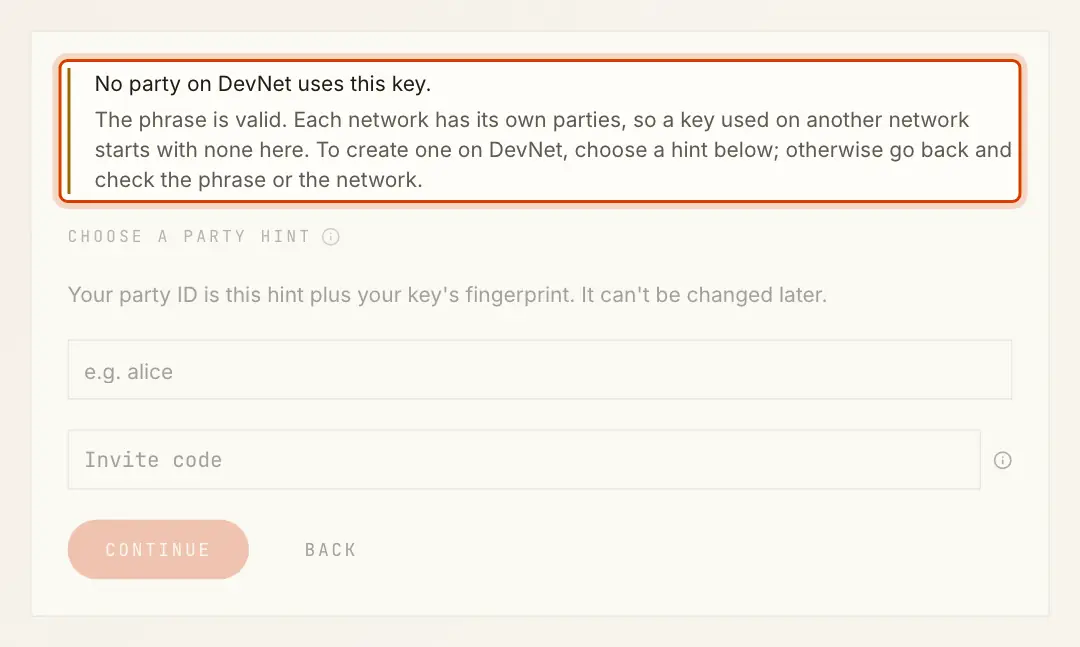
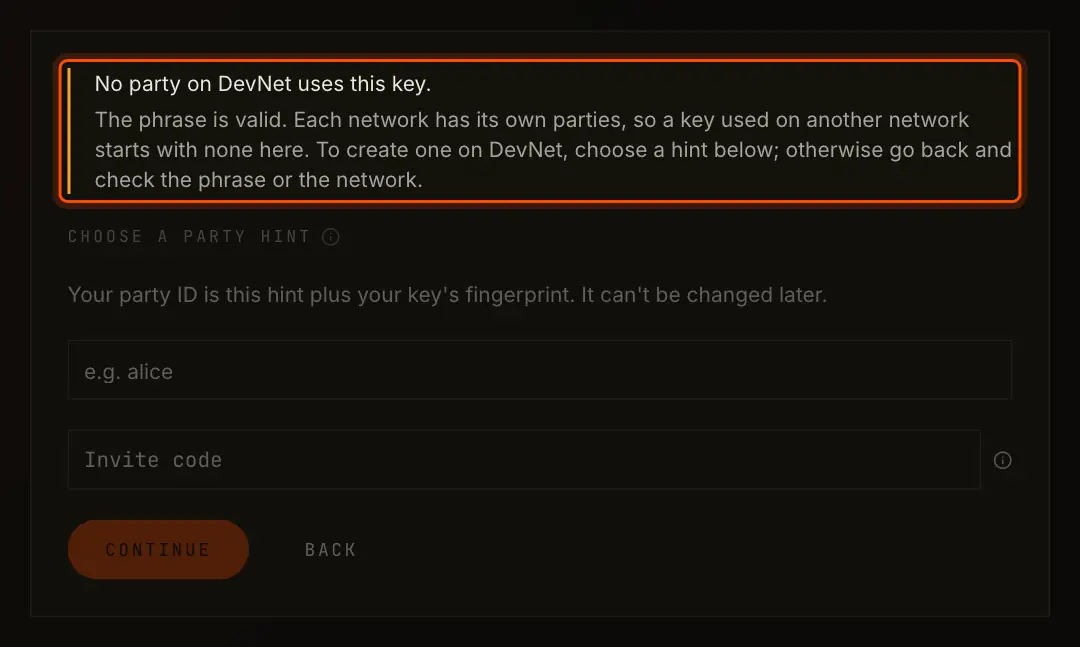
The phrase gives the same key on every network, but each network has its own parties, and a key kept on one site is not kept on another. To use your key on another network, restore the phrase on that site. If you have no party there yet, the app says so and offers to create one.
See Networks.